The program image_viewer
The program image_viewer is partially implemented in the file image_viewer.py and other code files. It contains a first image viewing and processing interface in PyQt5. It is an extension of the three former examples (see Section PyQt through examples), a few steps beyond.
Download the program and the other associated files from image_viewer_v2.zip (or filesforlab10 from Atenea). Make sure that you unzip the file in a clean directory and you no not overwrite the file rimage.py that you implemented in Lab 1. We’ll first analyze the files separately and then progressively add them to our git project. To unzip them just do:
unzip image_viewer_v2.zip
To run the program just do:
python3 image_viewer
You should get something like that:
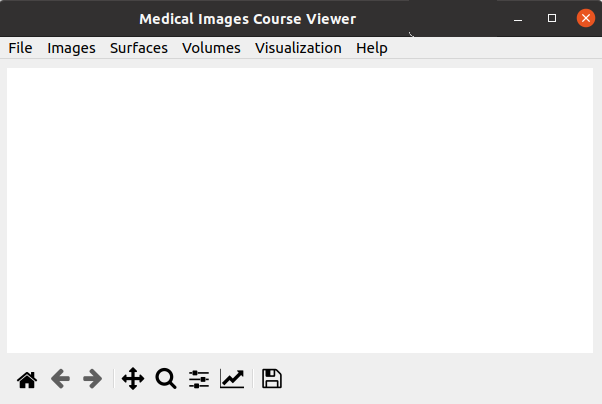
As you can see, the program opens a graphical window with a menu bar offering 6 options: Files, Images, Surfaces, Volumes, Visualization and Help. We’ll first explore them as users, and then try to understand the code, before adding new features to it.